Drop shadow effect
Add a drop shadow under your object's visible on the layer.
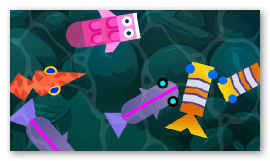
The position of the shadow is set with the Distance (how far the shadow is offset from the object) and the Rotation (the direction of the offset, in degrees). Blur softens the edges of the shadow and the Color and Alpha (opacity) let you tint it and make it more or less transparent.
Enabling Shadow only hides the object and keeps only its shadow, which is useful to render a separate shadow object you can place and move independently.
Note
If the shadow is cut off at the edges of the object, increase the Padding property to enlarge the area in which the effect is allowed to draw.
Reference
All effects are listed in the effects reference page.